Warehouse management

Warehouse management software that leaves your WMS where it is

The equipment doing the work, the events that never reach a scanner, and one view across buildings your WMS treats separately. Blue Yonder, Manhattan and SAP EWM stay exactly where they are.

  • Keeps your existing WMS
  • Live in weeks, not quarters
  • Pay only after go-live
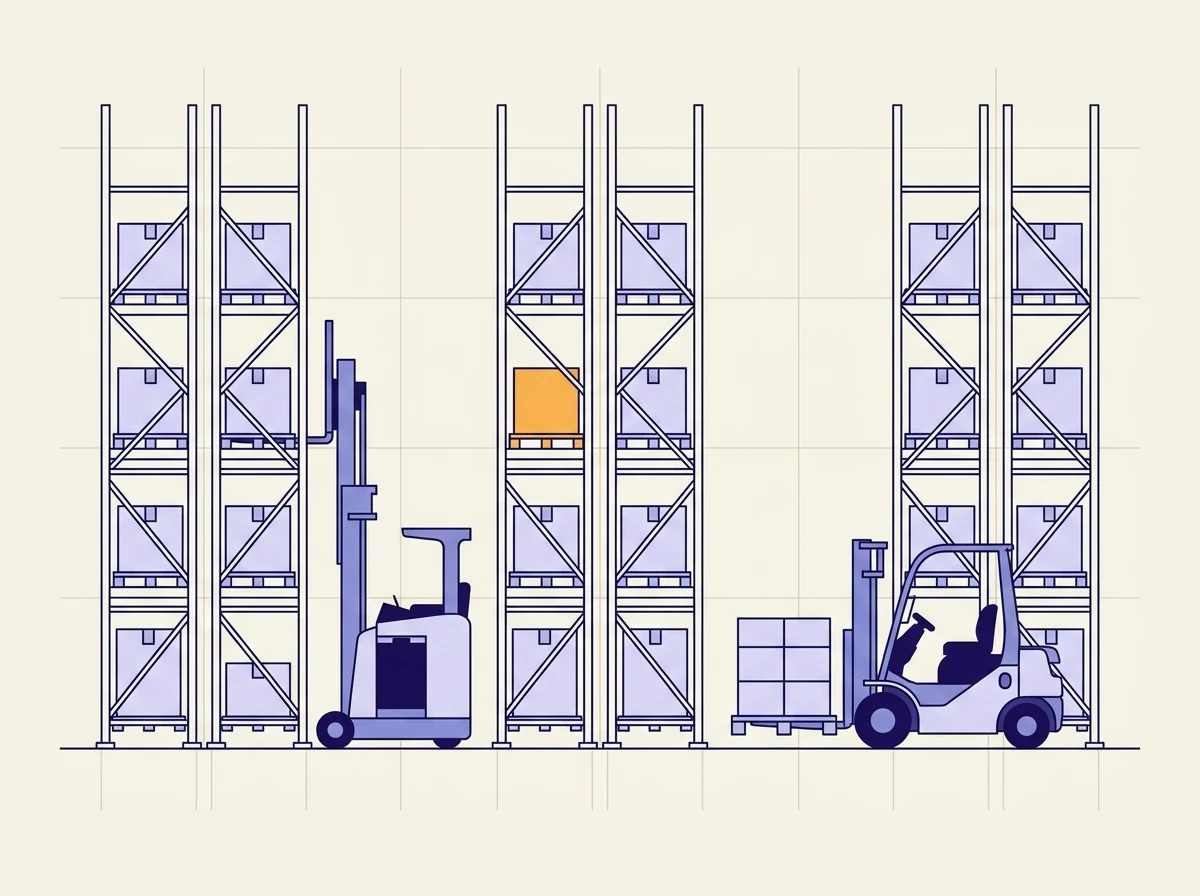
Illustrated warehouse cross-section drawn as line art: three tall pallet racking bays holding boxed pallets, with a narrow-aisle reach truck and a counterbalance forklift carrying a pallet working the aisles between them, and one pallet position picked out in orange.

The category

What a warehouse management system actually covers

A warehouse management system (WMS) controls what happens to stock inside a building. It records what arrived, where it went, what is allocated to which order, and what gets picked next. Blue Yonder, Manhattan, SAP EWM and Korber are the established platforms, and any operation of size already runs one of them.

They are good at that job. What they were not designed for is everything around it: the reach truck running the task, the damaged pallet moved by hand at 03:00, the trailer that turned up without an appointment, and the second building running the same software under different definitions.

The gap

When the WMS is right and the day still goes wrong

01

Two buildings run the same WMS and nobody can compare them without exporting both.

02

Stock accuracy is reported as a number and never traced to what causes the variance.

03

A reach truck goes out of service mid-wave and the tasks it held sit there.

04

A trailer arrives without an appointment and the rest of the day gets rebuilt around it.

None of those are WMS failures. They are things that happen outside what a WMS was built to see, which is why replacing it fixes none of them.

Capabilities

What the layer covers

Nine areas, all of them things that sit above stock and locations rather than replacing them.

The layer

Sits on the WMS you already run

Blue Yonder, Manhattan, SAP EWM and Korber stay in place doing what they are good at: stock, locations, allocation and waves. Opsima adds what sits above them, which is where most of the daily friction actually lives.

Equipment

The truck doing the task, tied to the task

Reach trucks, counterbalance forklifts and order pickers linked to the work they are running, with service state and battery charge alongside. A WMS assigns the task competently and rarely knows the unit is twenty minutes from stopping.

Stock accuracy

Where the count and the shelf stop agreeing

Variance traced back to what caused it rather than reported as a percentage. Returns put away by hand, replenishment moved off-system and damaged stock relocated without a scan account for most of it, and none of those touched a scanner.

Travel

How much of a pick is actually picking

Time split into picking, travelling and waiting, per wave. Travel almost always beats picking, and the waves where waiting spikes usually point at a replenishment that did not happen rather than at the pickers.

Slotting

Fast movers against the distance to reach them

Pick velocity mapped onto the layout, so the lines that get picked forty times a shift from the far end of aisle D become visible. Slotting decisions are usually made once and then left alone for years.

Docks

Doors, appointments and the trailer nobody booked

Inbound and outbound scheduled against the doors and the labour available to work them. The unbooked trailer that turns up at 11:00 and absorbs a door for two hours is the event that reorganises the rest of the day.

Labour

People rostered against volume actually coming

The shift plan set against the work that is inbound, so being short from 10:00 is something you see the day before. A flat roster against a lumpy day is the most common cause of overtime nobody planned.

Meters

Hours and charge cycles off the equipment

Run hours read from the trucks and fed into the service schedule, so material handling equipment is maintained on real use. Mixed fleets are normal here, and a plan that only covers the telematics-equipped units is not a plan.

ERP

Clean records back into the ERP

SAP, Oracle, Priority and NetSuite stay your system of record for stock value and orders. Opsima writes structured operational records back into them alongside the WMS, rather than becoming a third place to look.

The difference

Replacing the WMS is usually the wrong project

When a distribution operation is frustrated with its warehouse system, the proposal that arrives is normally a replacement. Those projects run for a year or more, consume the operations team, and carry real risk of a bad go-live in a building that has to ship every day.

It is worth asking what would actually change. Stock, locations, allocation and wave planning are the core of a WMS, and the established platforms do them well. A replacement mostly buys a different interface to the same functions.

The daily friction sits elsewhere. It is the reach truck that went down mid-wave, the return put away outside the process, the trailer nobody booked, and the fact that two buildings running identical software cannot be compared without a spreadsheet. Opsima builds that layer on top and leaves the core alone. It is a smaller project, it ships in weeks, and if it does not earn its place you have not bet the operation on it.

In the field

At PNCT, recorded equipment status changes went from roughly 1,000 a month to roughly 14,000 once capture matched the way the operation actually works.

That is a container terminal rather than a distribution centre, and the mechanism transfers directly: the events that decide the day were always happening, and almost none of them were reaching a system. Taavura's Earth Moving Division runs the same layer across quarries and infrastructure sites.

Delivery

Two ways in, and one of them is the usual one

Tailor

The normal route for a warehouse

Your WMS keeps running the building. Opsima adds the equipment layer, the off-system events and the cross-site reporting on top, and writes structured records back down. Nothing your team touches daily changes, and IT reviews and signs off the rollout in staging before it goes live.

Build

Rare here, and worth saying so

A full replacement makes sense in a narrow case: a small site running on spreadsheets, or an operation whose processes no packaged WMS fits. If you are running Blue Yonder, Manhattan or SAP EWM across a real distribution network, this is probably the wrong conversation and we will say so.

Questions from operations and maintenance teams

What is a warehouse management system?
A warehouse management system (WMS) controls what happens to stock inside a building. It knows what arrived, where it was put, what has been allocated to which order, and what needs picking next. Blue Yonder, Manhattan, SAP EWM and Korber are the established platforms, and most operations of any size already run one.
Does Opsima replace our WMS?
Almost never, and that is deliberate. A WMS replacement is one of the more disruptive projects a distribution operation can take on, and the incumbents are good at the core job. Opsima builds the layer above it: the equipment doing the work, the events that happen off-system, and reporting that reads across sites your WMS treats separately.
What does the layer actually add?
Three things the core system rarely covers. The material handling equipment tied to the task it is running, so a truck about to go out of service stops being a surprise. The events that never reach a scanner, like a damaged pallet moved by hand or a return put away outside the process. And one view across multiple sites, since most WMS deployments are per building.
Does it work across more than one warehouse?
That is one of the main reasons operations ask for it. A WMS is usually configured per site, so comparing two buildings means exporting from both and reconciling by hand. The layer reads across them and reports on one set of definitions.
How does it connect to Blue Yonder, Manhattan or SAP EWM?
Through whatever interface they already expose, which for the established platforms means well-documented APIs and message formats. Opsima reads tasks, locations and stock from them and writes back completed work, exceptions and equipment state. IT reviews and signs off the rollout in staging before it goes live.
How long before it is running?
Weeks, because the build starts from one process in one building rather than a full deployment. Usually the process where the paperwork and the shelf disagree most often. You pay once it earns its place.
Working session

Keep your WMS.
Fix the day around it.

Bring the process where the paperwork and the shelf disagree most often. We build it on your real data and run it with you. You pay only after it goes live.

On your existing stack
Live in weeks, not quarters
Pay only after go-live
Built and run for you