CMMS

CMMS software for maintenance that happens away from a desk

Work orders raised at the machine, services driven by run hours, parts visible across every site, and capture that survives having no signal.

  • Works offline at the machine
  • Live in weeks, not quarters
  • Pay only after go-live
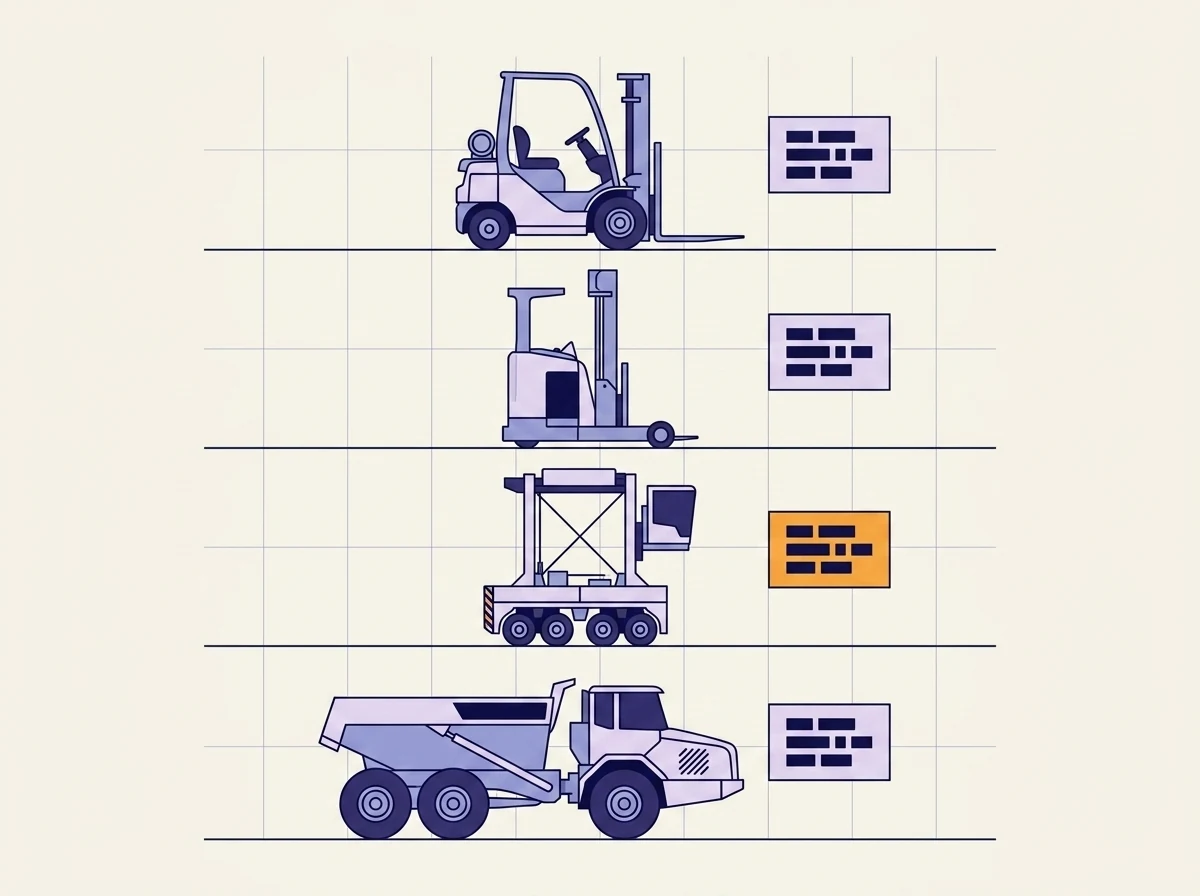
Illustrated maintenance board: a forklift, reach truck, straddle carrier and haul truck drawn as line art, each with a job card beside it showing rows of task blocks, one card marked in orange as overdue.

The category

What a CMMS actually is

A CMMS, or computerized maintenance management system, is the software a maintenance team runs on day to day. It holds the work orders, the planned maintenance schedule, the spare parts, and the repair history of every machine. Its job is to answer what needs fixing, who is fixing it, and what happened last time.

That is a narrower question than the one an asset manager asks, and the difference is worth being clear about, because vendors blur it. An EAM system covers what you own across every site, what each machine has cost over its life, and whether compliance can be proved. Most teams start here and move up when several sites, real parts spend and audits arrive at once.

The gap

When a spreadsheet stops being enough

01

Nobody can say what maintenance cost last month without rebuilding it by hand.

02

The planned service was completed, and there is no record that it happened.

03

Parts get ordered twice because two sites cannot see each other shelves.

04

The breakdown history of a machine lives in the head of the person who fixed it.

Plenty of operations already run CMMS software and still recognise all four. That is the case this page is about.

Capabilities

What the platform covers

Nine areas, grouped around the way a maintenance shift actually runs instead of around a list of modules.

Work orders

Jobs raised, assigned and closed

A board that shows what is open, who has it, and what is stuck waiting on a part. Jobs get raised from the machine by the person who found the fault, so the ones that only ever got mentioned on the radio stop disappearing.

Planned maintenance

Schedules that run on hours, not on the calendar

Services triggered by run hours, kilometres or cycles read off the machine, so a unit that sat idle for a month does not get serviced for work it never did. Due services are scheduled around the operation rather than dropped on it.

Asset history

The full repair history of every machine

One record per machine covering every job, part and reading, across sites, machine types and fleets of any age. A 1998 reach stacker and a 2025 electric crane fit the same structure without either being forced into a shape that does not suit it.

Parts

Knowing the part is there before you promise a fix

Stock visible across every store rather than per site, with the same part under one code instead of four. Promising a repair for tomorrow stops depending on somebody walking to the shelf to check.

Field capture

Logged at the machine, including where there is no signal

Jobs closed, hours read, photos taken and parts recorded where the work happened. Held on the device and synced when a connection returns. This is the difference between a maintenance record that is complete and one that is roughly right.

Compliance

Pre-operation checks, inspections and OSHA records

Digital checklists for pre-shift checks and legally required inspections, with corrective actions tracked until they are actually closed. The audit trail builds itself as the work happens.

Meters

Hours, kilometres and fuel read off the machine

Readings taken from telematics where they exist and captured by hand where they do not, both feeding the same schedule. Mixed fleets are the normal case, and a service plan that only works on connected units is not a service plan.

Downtime

Where the hours actually went

Planned against unplanned hours per machine, so the one unit quietly carrying most of the unplanned downtime becomes visible. That is usually the argument for replacing it, and usually the number nobody has.

ERP

Fits around the ERP you already have

SAP, Oracle and IBM Maximo stay your main system. Opsima reads what they already hold and writes completed work, consumed parts and readings back into them. Nothing gets ripped out.

The difference

Most maintenance work never reaches the maintenance record

Almost every operation that says its CMMS does not work has the same problem, and it is rarely the software. The jobs get done. The record of them is partial, because recording is a second task that happens somewhere other than where the work did.

A fitter nurses a spreader through a shift and mentions it at handover. A hydraulic leak is found on a walk-around and described out loud. A planned service is completed at the far end of a yard with no reception, and by the time the fitter is back at a desk there are four other things to do. None of that is negligence. It is what happens when the system of record sits somewhere the work does not.

Opsima closes that distance. Jobs are raised and closed at the machine, held on the device when there is no signal, and captured through the channels crews already use. That is why the availability number and what the yard actually sees stop disagreeing, and why a machine with no sensors still ends up with a real history.

In the field

At PNCT, a US container terminal running more than 100 straddle carriers, this layer lifted fleet availability by 5% and cut breakdowns by roughly 15%.

Recorded equipment status changes went from roughly 1,000 a month to roughly 14,000 over the same period. The work was always happening. The record was not. Taavura's Earth Moving Division runs the same layer across quarries and infrastructure sites, after ERP integrations and standard fleet systems had already failed to stick with field crews.

Delivery

Two ways in

Tailor

Build the layer on what you already run

Your existing CMMS, SAP or Maximo stays the system of record. Opsima adds capture out where the work happens and reporting that reads across sites, then feeds clean records back in. Nothing gets ripped out, and IT reviews and signs off the rollout in staging before it goes live.

Build

Replace the system nobody updates

When the reason the records are empty is the software itself, hard to use in a yard and expensive to change, Opsima builds the replacement around your machines and the way your crews work. It runs on your servers or ours. Working software ships in weeks, and you pay once it earns its place.

Questions from operations and maintenance teams

What does CMMS stand for?
CMMS stands for computerized maintenance management system. It is the software a maintenance team runs on day to day: work orders raised, assigned and closed, planned maintenance scheduled, spare parts tracked, and the repair history of every machine kept in one place instead of in the head of the person who fixed it.
What is the difference between a CMMS and an EAM system?
A CMMS answers what needs fixing and who is fixing it. An EAM answers what you own, what each machine has cost you, when to replace it, and whether you can prove compliance. Most teams start with a CMMS and outgrow it once they run several sites, spend real money on parts, and have audits to pass. If those sound like your questions, the enterprise asset management page is the better starting point.
Does this replace our current CMMS or sit on top of it?
Either. Tailor mode leaves your existing system in place and adds what it does not cover, which is usually capture out in the field and reporting that reads across sites. Build mode replaces a system nobody updates, and that is worth doing only once the reason nobody updates it is understood. Most projects start with tailor mode.
Can technicians log work without a signal?
Yes. Jobs get closed, hours read, photos taken and parts recorded at the machine, held on the device, and synced when a connection comes back. This matters more than it sounds: the single biggest reason maintenance records are incomplete is that the person doing the work was somewhere with no signal and finished the shift before writing it down.
How does it connect to SAP or Maximo?
They stay your system of record. Opsima reads the asset list, the parts catalogue and the cost centres they already hold, and writes completed work, consumed parts and meter readings back into them. IT reviews and signs off the rollout in staging before it goes live.
How long before it is running?
Weeks, on your real assets rather than a demo dataset, because each build starts from one asset class or one site instead of a product that has to be configured into shape. You pay once it earns its place.
Working session

Your machines. Your crews.
A record that matches both.

Bring one asset class where the maintenance history has holes in it. We build it on your real data and run it with you. You pay only after it goes live.

On your existing stack
Live in weeks, not quarters
Pay only after go-live
Built and run for you