Fleet Management

Fleet management software for machines that never see a public road

Utilization, running hours, service due and cost per operating hour, across owned, rented and subcontracted machines. Terminals, quarries, mines and heavy construction, on top of the trackers you already run.

  • Keeps your existing trackers
  • Live in weeks, not quarters
  • Pay only after go-live
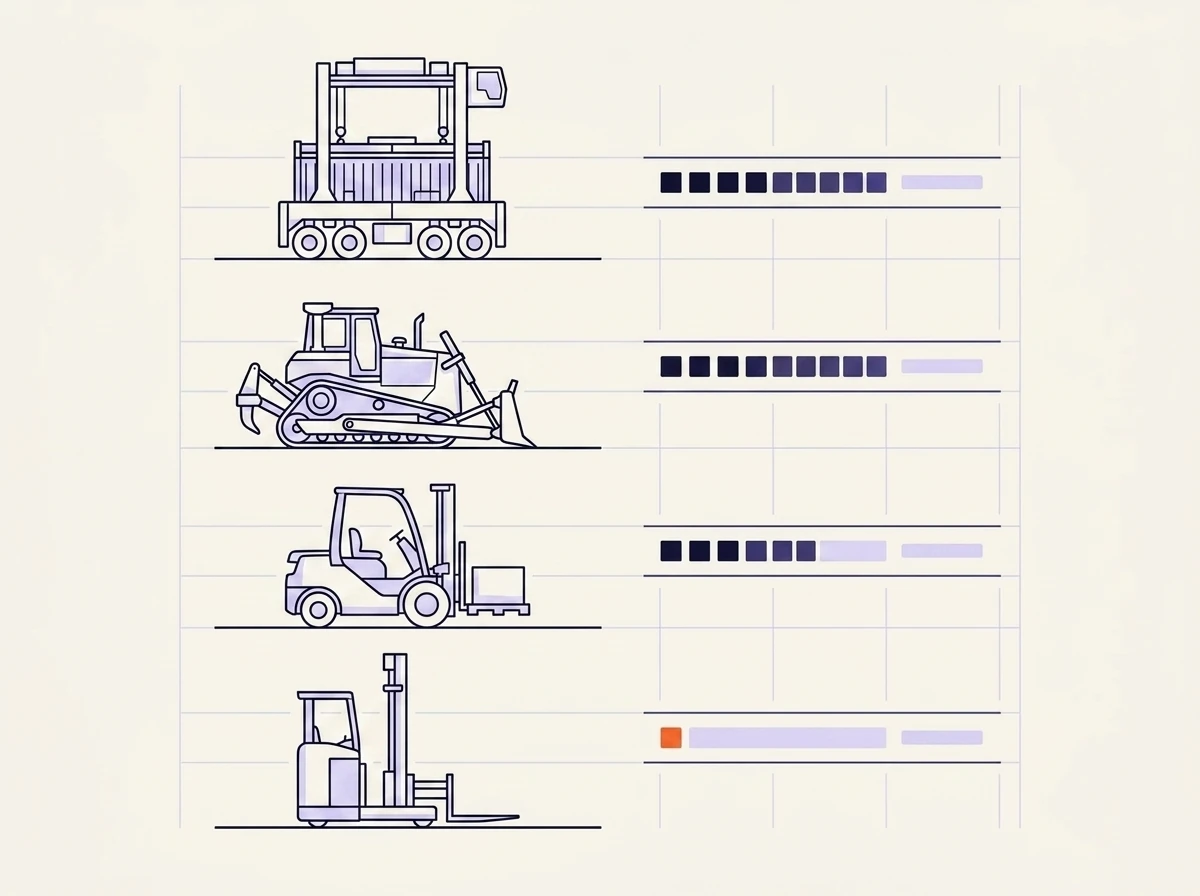
Illustrated mixed fleet: a straddle carrier, bulldozer, counterbalance forklift and narrow-aisle reach truck drawn as line art, each with a utilization bar beside it, the bars filling less down the page and the last one highlighted in orange.

The category

What fleet management software actually covers

Fleet management software keeps track of the machines you run: where they are, how many hours they have done, what they cost to run, and when they are due for service. Most of the market was built for trucking, where the fleet drives on public roads and the hard problems are GPS, fuel cards and driver compliance.

A heavy operation is a different shape. Straddle carriers that never leave the terminal, haul trucks that only run inside the pit, forklifts and reach trucks in the warehouse, and an excavator rented for six weeks that has to be handed back. Half of it has a tracker fitted and half of it does not. Fleet is one of the categories in Opsima's industrial software range.

The gap

When telematics stops being enough

01

Your trackers say a machine was running, and the yard says it sat waiting for a crew.

02

Rented machines are invisible in the system, so nobody can compare their cost against the owned fleet.

03

Services come due on dates rather than hours, so the hardest-worked machine gets seen last.

04

Utilization gets rebuilt by hand in a spreadsheet every month, and the number is stale before the meeting.

Trackers answer where and how fast. Past a certain size the questions become how much, how well used, and what it cost per hour of real work. That jump is what this page is about.

Capabilities

What the platform covers

Nine areas, grouped around the way a heavy fleet actually runs instead of around a list of features.

Utilization

Which machines are earning their keep

Hours worked against hours available, machine by machine and site by site. On a spreadsheet, the unit that runs eleven hours a day looks much like the one that moves twice a week. Here it does not, so the case for moving it, renting it out or selling it makes itself.

Live status

Where every machine is and what it is doing

Working, idle, standing, in the shop or off hire, across every yard and site you run. One picture that the quay, the pit and the workshop all read the same way, instead of three views that disagree by the end of the shift.

Mixed fleet

Owned, rented and subcontracted in one list

Rented machines usually live in an email thread and a hire agreement, which is why nobody can say what they really cost. Here they sit in the same list as the owned fleet, with the hire period and day rate attached, and drop off it when they go back.

Service

Services that trigger on real running hours

Meters read off the machine where a tracker provides them, and captured by the crew where it does not. Services come due on hours actually worked rather than on a date somebody picked, so the machine that ran double shifts all month gets seen first.

Shifts

Who ran what, on which shift

Operator, machine and shift tied together, so damage and downtime can be traced back to what was happening at the time. Training and licence expiry sit on the same record, which matters the day an inspector asks who was cleared to drive it.

Telematics

Your existing trackers feed the same record

Samsara, Geotab, OEM telematics and whatever came fitted to the machine all write into one place. The point of a tracker is the record it leaves behind, so the feed lands next to the work orders and running hours instead of in a separate dashboard.

Pre-ops

Daily checks that leave a record

Walk-arounds and pre-shift checks done on a phone at the machine. Faults raised from a check turn into work, and the work gets tracked until it closes, so the trail is there when a regulator or an insurer asks for it.

Cost

Cost per operating hour, machine by machine

Fuel, parts, labor and hire charges divided by the hours the machine actually worked. Availability, breakdown rate and cost per hour all come off the same records the crews already feed, so operations and finance stop arriving with different spreadsheets.

Back office

Fits around the ERP you already have

SAP, Oracle and the systems around them stay your main record. Opsima reads what they hold, writes clean fleet data back, and lets IT review and sign off the rollout in staging before anything goes live.

The difference

A tracker knows the engine ran. It does not know why it stopped.

Telematics platforms handle the connected part well. The unit reports position, engine hours and fault codes, and the dashboard draws the chart. In a terminal or a quarry, that is the easy half of the fleet.

A straddle carrier stands for three hours because the gang it needed was working another vessel. A dozer is pulled off the face early and the reason gets explained at handover. A rented excavator arrives with damage nobody logs until the hire company invoices for it. The engine data for all three looks unremarkable, and every one of those events changes what the machine cost you.

Opsima picks up those events from the channels your crews already use and writes them to the machine record, next to the telemetry. That is why utilization stops disagreeing with what the yard saw, and why an untracked forklift still ends up with real hours and a real history.

In the field

At PNCT, a US container terminal running more than 100 straddle carriers, the equipment layer this sits on lifted fleet availability by 5% and cut breakdowns by roughly 15%.

Taavura's Earth Moving Division runs the same layer across quarries and infrastructure sites, after ERP integrations and standard fleet systems had already failed to stick with field crews. Maintenance, operations, IT and engineering all read one picture, and nobody had to change how they report.

Delivery

Two ways in

Tailor

Build the layer on the trackers you already run

Samsara, Geotab and your OEM telematics stay exactly where they are. Opsima reads what they already produce, adds the operational layer around it, and feeds clean records back into the ERP. Nothing gets ripped out, and IT signs off the rollout in staging before it goes live.

Build

Replace the system you have outgrown

Sometimes the fleet system is the thing holding you back: hard to change, expensive to touch. Opsima builds the replacement around your machines and the way your crews work. It runs on your servers or ours. Working software ships in weeks, and you pay once it earns its place.

Questions from operations and maintenance teams

What is fleet management software?
Fleet management software keeps track of the machines and vehicles you run: where they are, how many hours they have done, what they cost to run, and when they are due for service. In trucking that usually means GPS and driver compliance. In heavy industry it has to cover straddle carriers, haul trucks, forklifts and excavators that never leave the site, and machines you rent for six weeks and hand back.
How is this different from a telematics platform?
Telematics tells you where a machine is and what its engine is doing. It does not know the machine sat idle for three hours waiting on a crew that was working another job. It does not know the operator nursed it through a shift and said so on the radio. Opsima takes the tracker feed and adds the operational picture around it, so utilization and cost per hour reflect what actually happened.
Do we have to replace Samsara or Geotab?
No. Those stay where they are. Opsima reads the telemetry they already produce and writes it into the machine record alongside work orders, running hours and shift assignments. Most projects start this way, with the trackers untouched.
Does it handle rented and subcontracted machines?
Yes, and this is where most fleet tools fall down. Rented and subcontracted machines usually sit outside the system, so nobody can compare what a rented excavator costs per hour against an owned one. Opsima keeps owned, rented and subcontracted units in the same list, with the rental period and the day rate attached.
What about machines with no tracker at all?
Plenty of yard equipment has nothing fitted, and retrofitting a whole fleet is rarely worth it. Opsima picks up what the crews report over radio, at handover and in messages, and writes it to the machine record. An untracked forklift still ends up with real running hours and a real service history.
How long does it take to get running?
Weeks, not quarters. Opsima builds around the machines you actually run and the way your crews already report, instead of configuring an off-the-shelf product to fit. You pay once it earns its place.
Working session

Your fleet. Your sites.
Software built for them.

Bring one fleet where utilization never quite matches what the yard sees. We build it on your real data and run it with you. You pay only after it goes live.

On your existing stack
Live in weeks, not quarters
Pay only after go-live
Built and run for you